WebGL Rendering
A browser-rendered visual layer creates depth beyond a static landing page.
AR Experience
An interactive web presentation for an augmented-reality concept.
The context
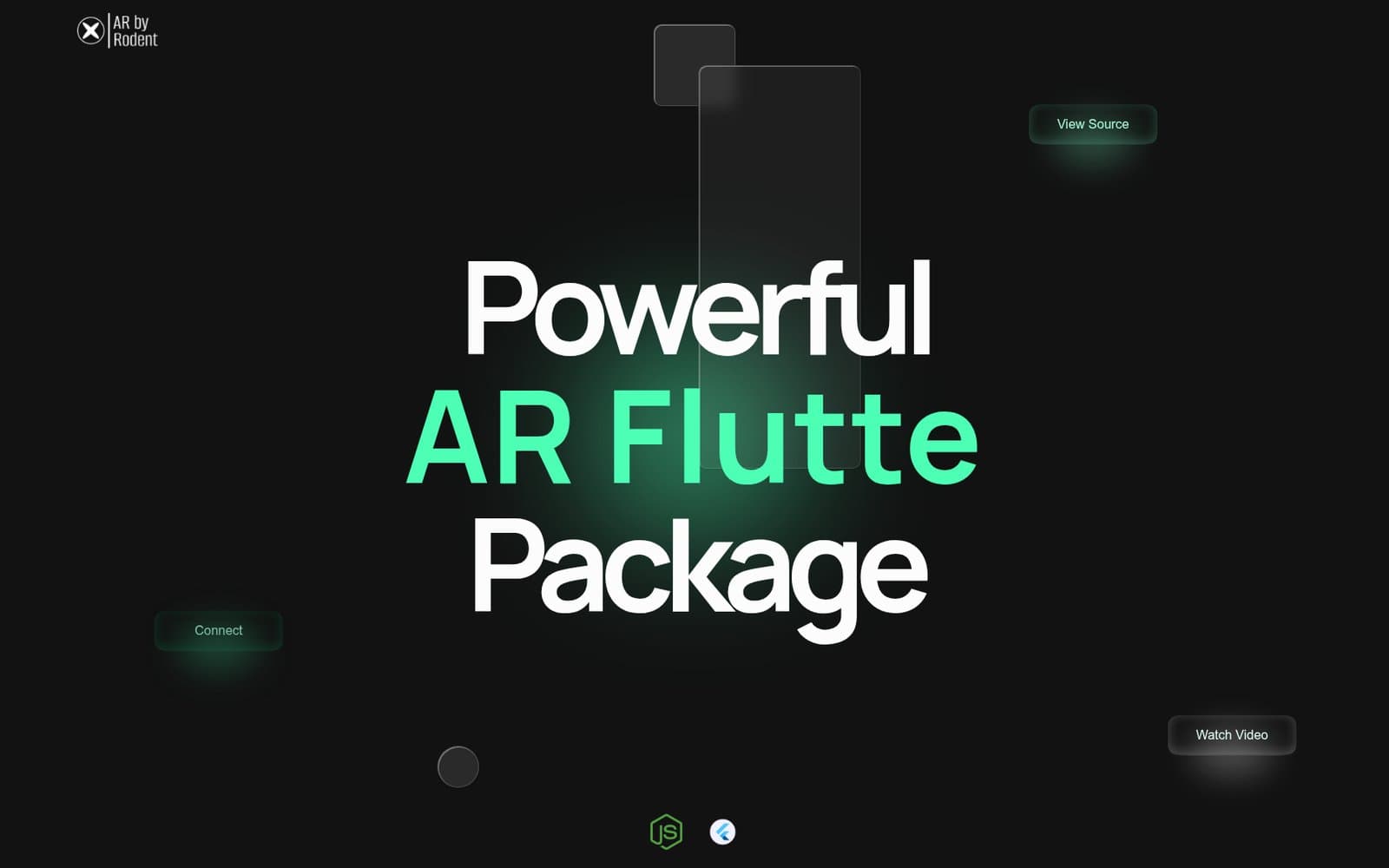
AR by Rodent is an interactive web presentation and laboratory demonstration. It explores how motion, WebGL and responsive interaction can communicate an immersive product concept without claiming a native AR hardware deployment.
The problem
The project needed a web-based way to introduce and demonstrate an augmented-reality concept.
Key requirements
What Rodent built
Rodent built an interactive product site using a Next.js interface, WebGL visuals, and motion that responds to user input.
Capabilities delivered
A browser-rendered visual layer creates depth beyond a static landing page.
Sequenced transitions respond to page state and user interaction.
The experience adapts its composition for mobile and desktop use.
Navigation and content remain understandable around the immersive surface.
Important links remain explicit elements rather than being hidden inside the visual effect.
Media, typography and interaction work as one product narrative.
System architecture
Data / process flow
Engineering decisions
The WebGL surface is treated as one layer within a conventional, navigable application shell.
Animation sequences are coordinated to avoid competing effects and unnecessary work.
Calls to action remain recognisable controls even when the surrounding presentation is experimental.
Engineering challenges
Animation is sequenced around the content rather than replacing navigation or calls to action.
Responsive composition and controlled effects support a wider range of screens and input methods.
Technology in context
Technology supports the product’s interfaces, data and release path. It is part of the engineering explanation, not the outcome itself.
Outcome
The public site lets visitors explore the visual concept and follow its calls to action on mobile or desktop.
Delivered a public interactive product surface that combines an application shell, browser-rendered visuals and explicit calls to action.Related services
Build something similar
Tell Rodent about the operational problem, users and constraints—not just the technology you think you need.